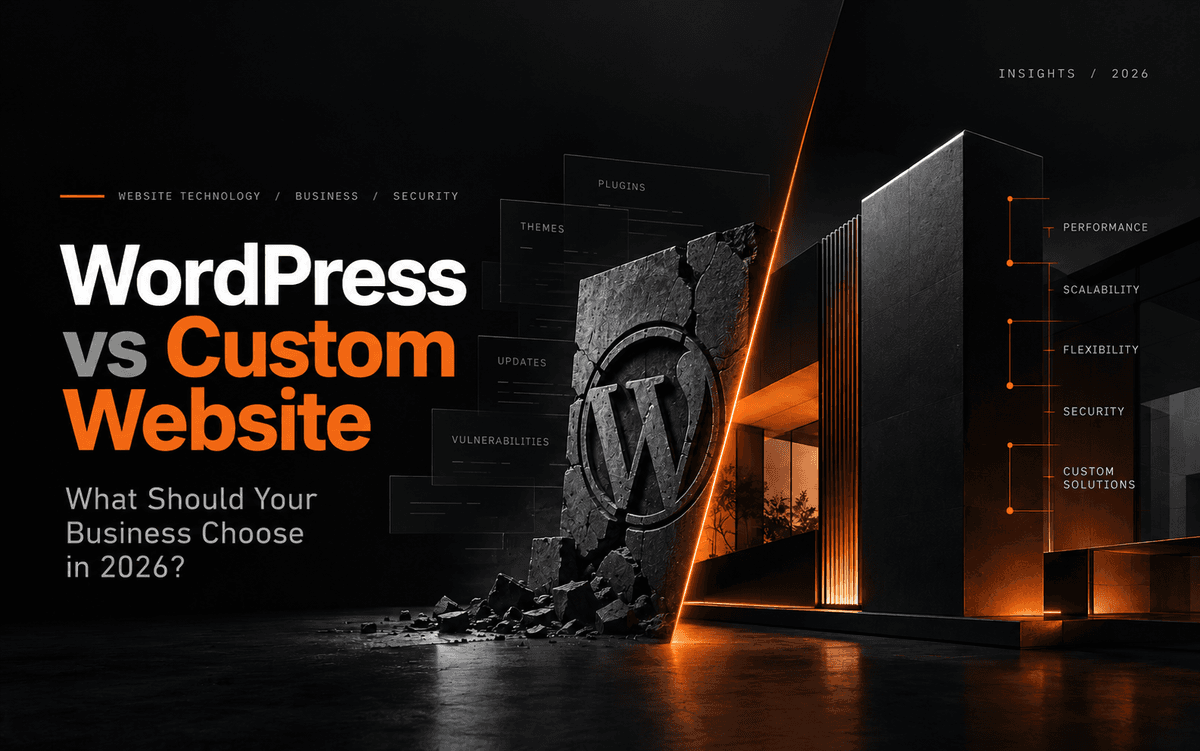
The question every business owner asks
When a business decides it needs a website, the conversation usually goes one of two ways. Either someone says "just get WordPress, it's easy" — or a developer says "let's build it custom." Both answers feel confident. Neither one asks the right question first.
The right question is: what does your website actually need to do?
A portfolio site for a freelance photographer has completely different requirements than a travel startup that wants its own team to manage packages, publish blogs, and control SEO — without calling a developer every time something needs updating.
What WordPress is good at
WordPress powers over 40% of the web for a reason. For many businesses, it's genuinely the right choice. It's fast to set up, has a massive plugin library, and lets non-technical users manage content independently. If you're launching a simple informational site or a personal blog, WordPress gets you online quickly without a big upfront investment.
WordPress — honest limitations
- Plugin dependency creates hidden risks
- Page speed suffers as plugins stack up
- SEO control is surface-level (Yoast has limits)
- Security patches needed constantly
- Customisation hits walls quickly
- You're renting a framework, not owning a product
Custom website — honest limitations
- Higher upfront development cost
- Longer build time
- Requires a reliable development partner
- Overkill for simple brochure sites
- Changes require developer involvement (unless CMS is built in)
Where WordPress quietly fails
The problems don't show up on day one. They appear six months later when your PageSpeed score drops because three plugins are loading unused JavaScript. Or when a plugin update breaks your site's layout. Or when your SEO person realises that "full SEO control" in WordPress actually means editing a Yoast field — not controlling your URL structure, schema markup, or canonical tags the way a developer would.
The bigger your website's ambitions, the more WordPress fights you. It was built as a blogging platform. It was extended into everything else. That history shows.
A real example: Trawenture
Case study
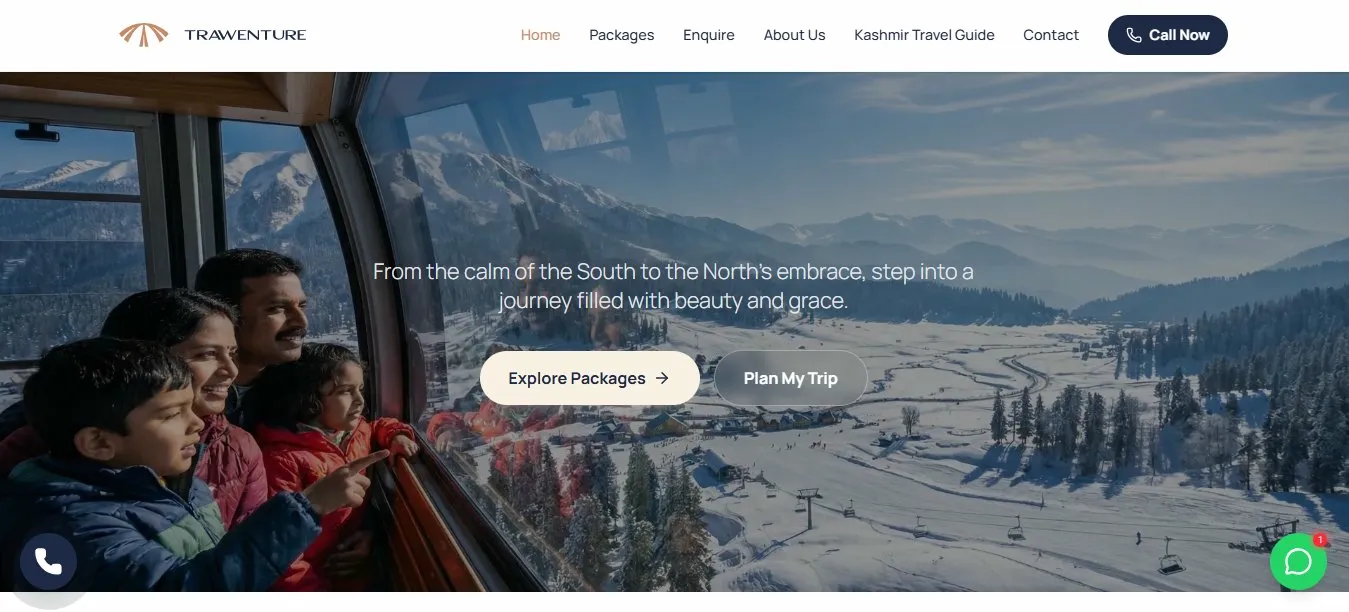
Trawenture is a Kashmir tour company built for Kerala travelers. They came to us before launching — no existing website, just a clear product and high expectations for their digital presence.
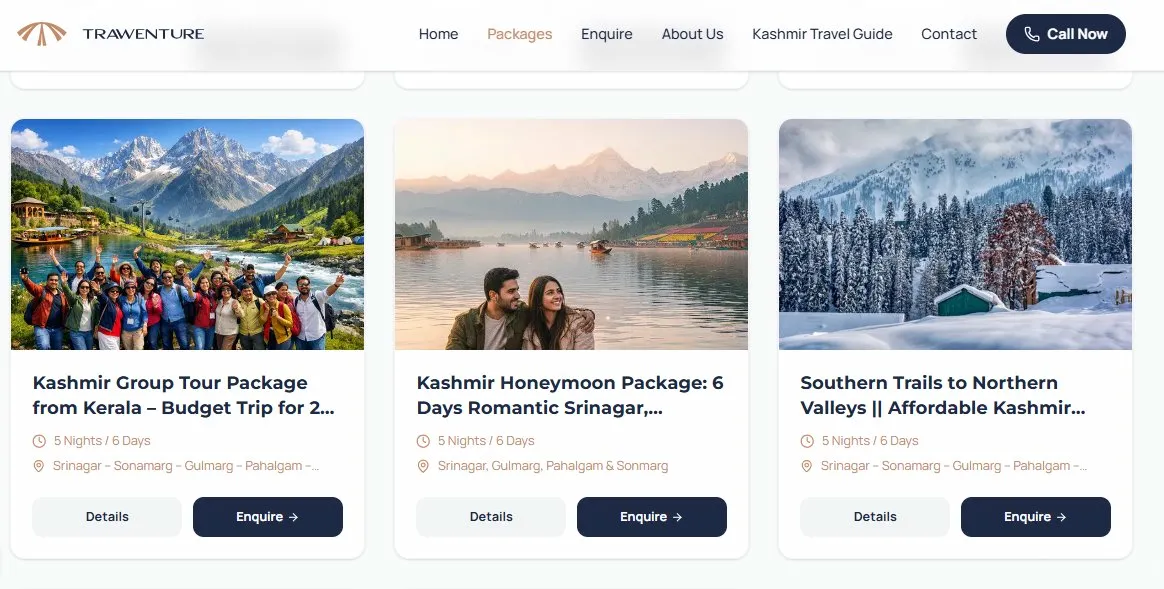
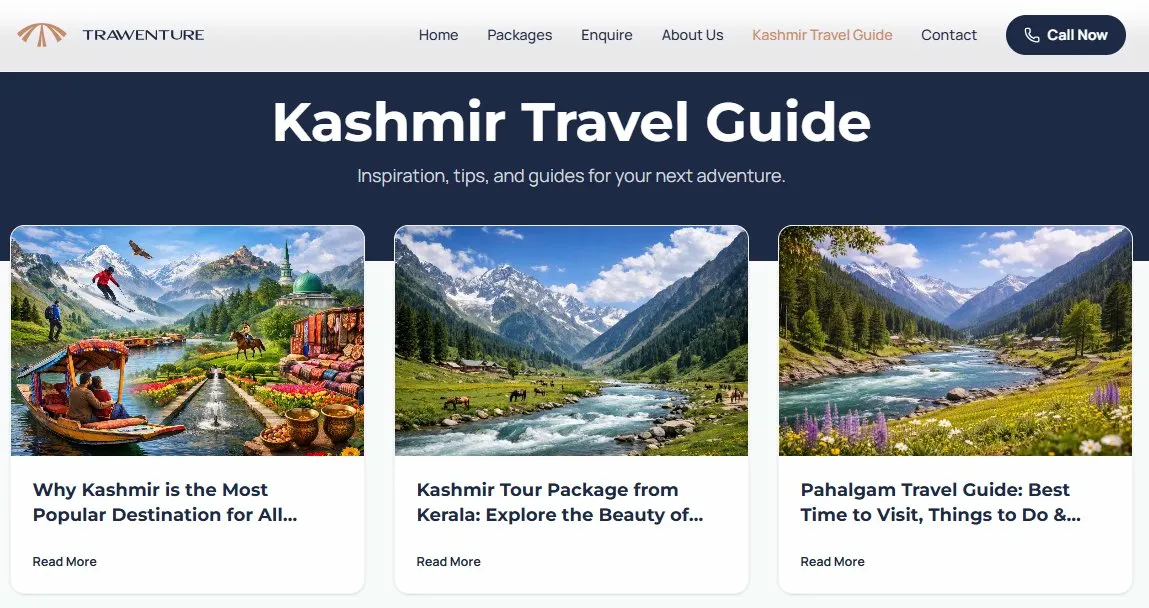
Their requirement was specific: a dedicated SEO hire would be managing the site full-time. That person needed real control — meta titles, meta descriptions, meta keywords — editable per page, without touching code. They also needed to add tour packages and publish blog posts independently.
A WordPress template would have looked fine in a demo. But it would have created plugin dependency, unpredictable page speeds, and the kind of SEO "control" that's really just editing a text box inside someone else's system.
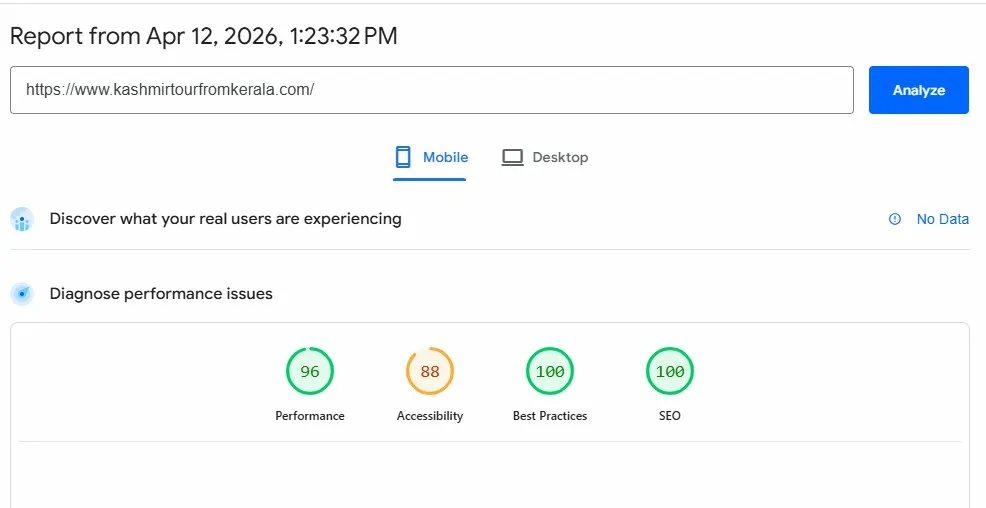
So we built it from scratch. React (Next.js) frontend, Node.js backend, Neon PostgreSQL database — with a custom CMS panel built specifically for their team. Every page's SEO metadata is fully editable. New packages and blog posts go live in minutes. PageSpeed scores were strong from day one.
They didn't just get a website. They got a foundation to grow from.
How to decide — the honest framework
- Simple informational site, low budget, quick launch - WordPress
- Personal blog or portfolio - WordPress
- Business that needs high PageSpeed and strong SEO - Custom
- Team managing content independently (no developer needed) - Custom
- E-commerce or booking flow with complex logic - Custom
- Startup that needs to scale the site as the business grows - Custom
- Brand where design and performance are part of the product - Custom
The question worth asking your developer
Before you pick a platform, ask whoever is building your site: "If my SEO person wants to edit the meta title on every single page independently — how easy is that in what you're proposing?"
The answer will tell you everything. If it involves a plugin, a workaround, or the phrase "it depends on the theme" — you have your answer.
At Webeez, we build custom websites for businesses that need more than a template can offer — without the unnecessary complexity. If you're planning a new site and want to know which approach fits your situation, let's have a straight conversation.